Solutions: Smart Classroom
A Classroom Ready from the First Period
Interactive Flat Panel & Smart Classroom System for Schools, Campuses, and Training Rooms
Designed so teaching, presentations, collaboration, and hybrid learning run from one system. Teachers just teach, instead of managing devices.
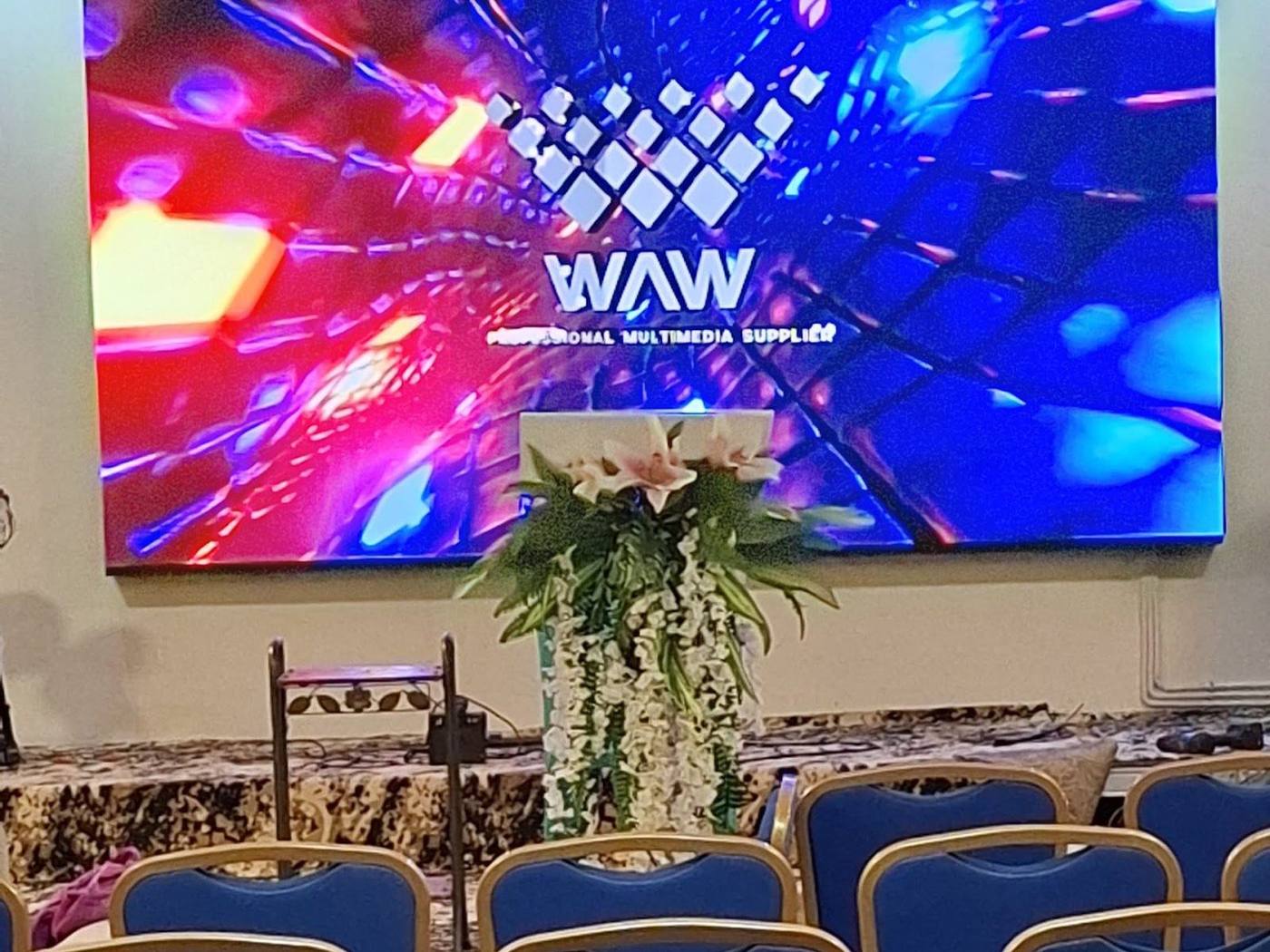
Where we stand
Smart Classroom is not about mounting a screen at the front of the class. We design the display, audio, connectivity, cameras, and control so all the classroom technology is used as one system.
The difference from an interactive flat panel shop: we think about who switches it on at 7 am, and what happens if it does not work.
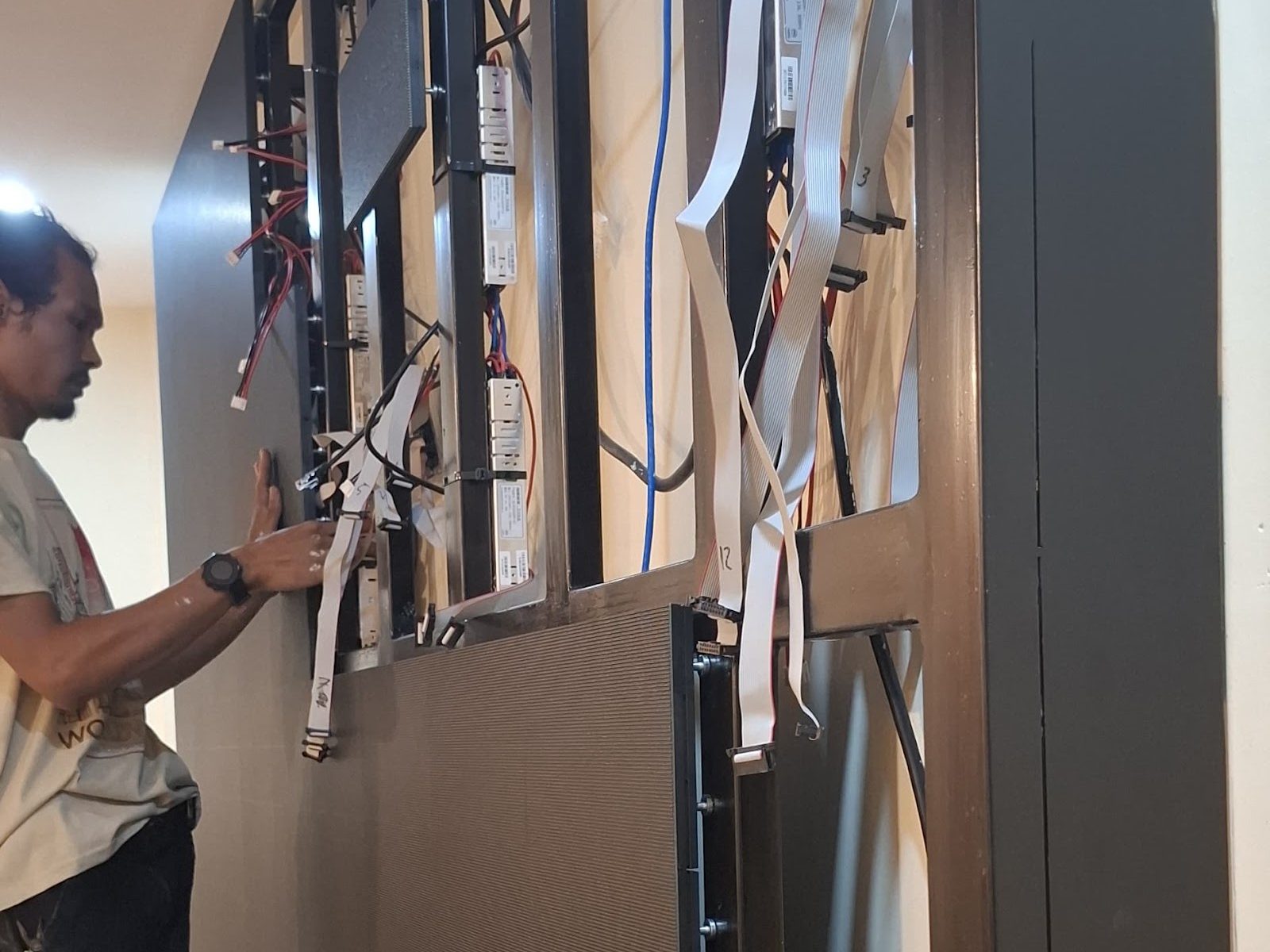
One system
One System for a More Connected Learning Experience
Display, audio, cameras, connectivity, and control have to work as one classroom system, not a collection of devices installed separately.
System illustration: one control panel, every component connected
-
01
Interactive Flat Panel
Presenting material, writing and annotation, video and multimedia, in-class collaboration, and screen sharing. Size chosen from the farthest student seat.
65 / 75 / 86 inch IFP Digital whiteboard Android & OPS PC Mounting & tidy cabling -
02
Wireless Presentation & Connectivity
Teachers or presenters show material from a laptop or other device without complicated setup.
Wireless screen sharing HDMI / USB-C Classroom Wi-Fi & network Device integration -
03
Classroom Audio
The teacher, multimedia material, and remote participants are heard clearly across the whole room, including the back row.
Classroom speakers Wireless teacher mic Audio processor Volume presets -
04
Camera & Hybrid Learning
Online classes, video conferencing, recording, hybrid learning, and guest lectures. AI cameras can follow the moving teacher, with the class recorded and streamed at one button.
Auto-tracking camera Video conferencing Recording & streaming LMS integration -
05
Control System
Teachers or operators do not need to manage many devices separately every time a class starts. One button, the class is ready.
Classroom control panel Teaching / hybrid presets On-off schedule Standard across classrooms
Operational benefits
Designed for Teachers to Use Every Day
Benefits felt in everyday learning, not just in a device brochure.
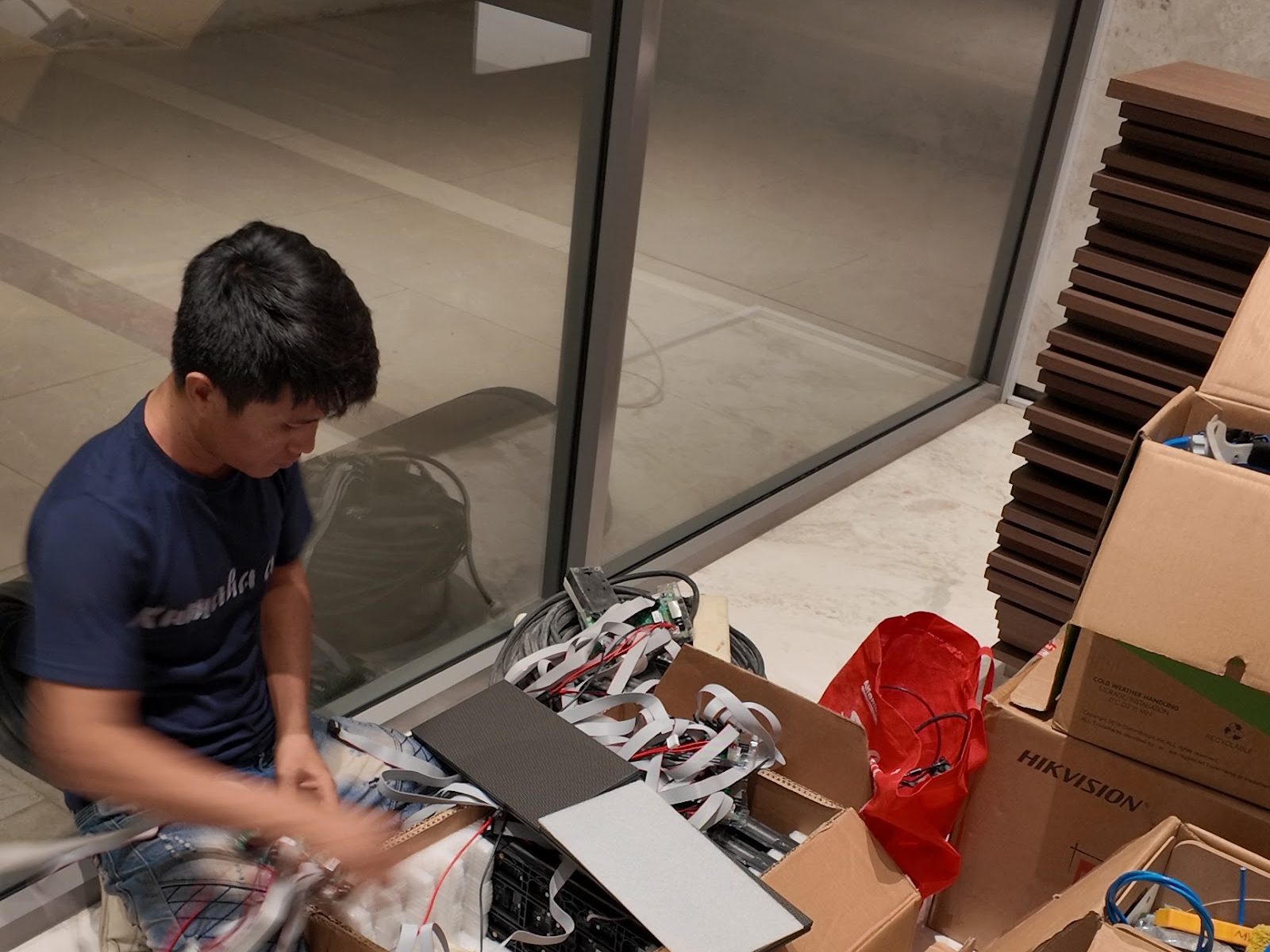
Supports offline and hybrid classes
The system is ready for in-person learning, video conferencing, or distance learning.
More consistent classroom standards
For schools with many classrooms, the system is designed to the same standard so use and maintenance are simpler.
The features you pay for actually work
Specs are written per item: panel, camera, audio, down to the processing hardware. Not an IFP and CCTV with zero function.
Ground Inspection
We measure the room before deciding the system
A Smart Classroom should not use one specification for every room. The specification follows the conditions and needs of the room, not the screen size someone wants to buy.
See the 5 WFOS stagesWhat we check on site
- 1 Classroom size and number of students
- 2 Viewing distance and seating positions
- 3 Display size matched to the farthest seat
- 4 Lighting conditions and window reflections
- 5 Audio distribution across the room
- 6 Classroom network and Wi-Fi connection
- 7 Hybrid learning and recording needs
- 8 Number of rooms that will use the system
The survey results become the basis of a line-item spec you can audit before signing.
WAW Care
A Classroom System that Stays Ready to Use
A school does not only need an installation that works on day one. The system has to stay ready while learning takes place every day.
2 yrs
System warranty
4x
Scheduled preventive visits per year
6x
Corrective on-call per year
<4 hrs
WhatsApp response, Greater Jakarta
What we check on every visit
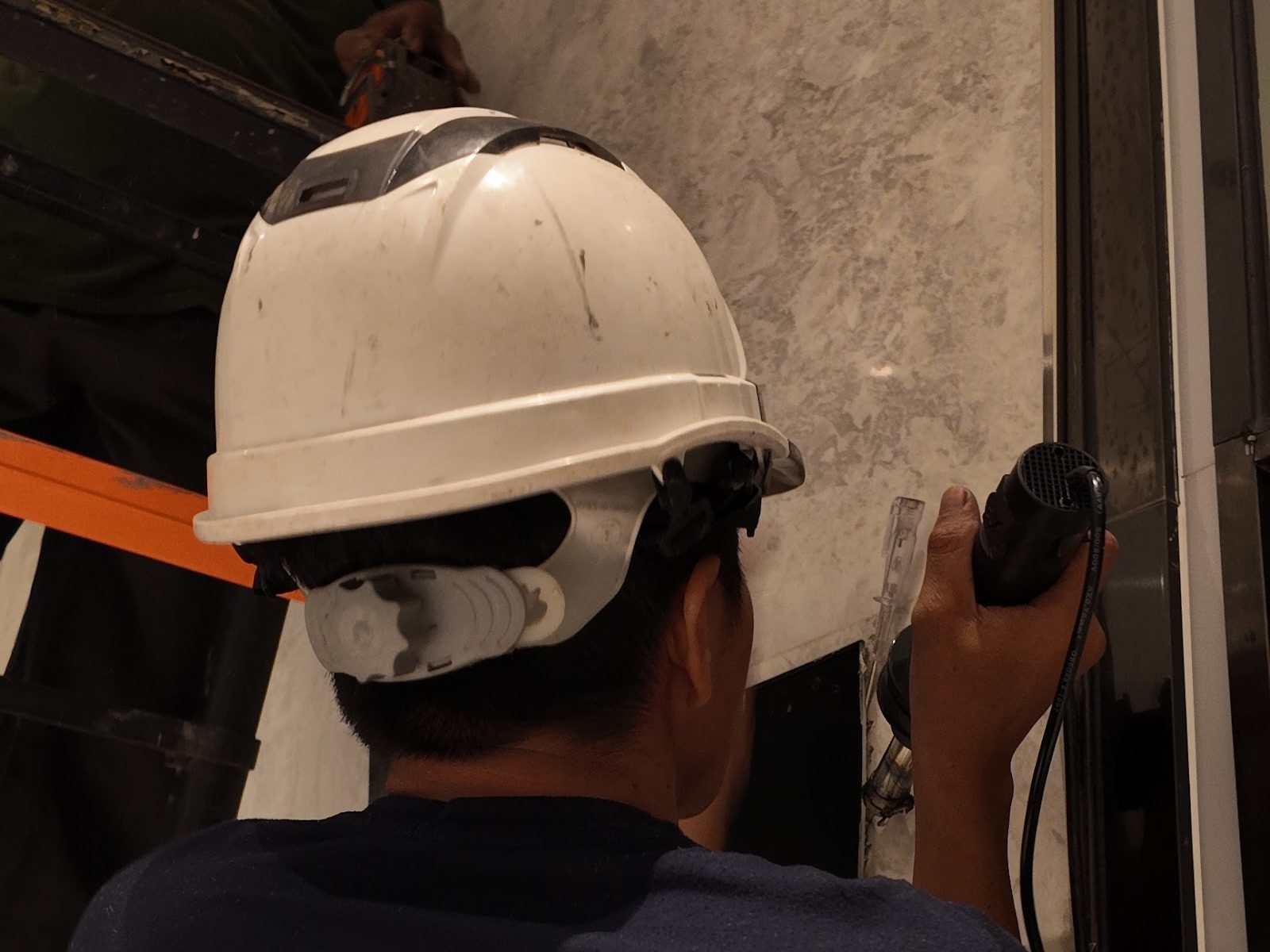
- Check the interactive flat panel: touch, display, software
- Check connectivity: wireless presentation, HDMI, network
- Check audio: speakers, teacher mic, volume presets
- Check cameras and recording when used
- Check control and classroom presets
- On-call support 6 times a year when there is an issue
Every visit is recorded in a log you can open at any time. Not the longest warranty, but a warranty that shows up on schedule.
Project proof
School & Campus Projects
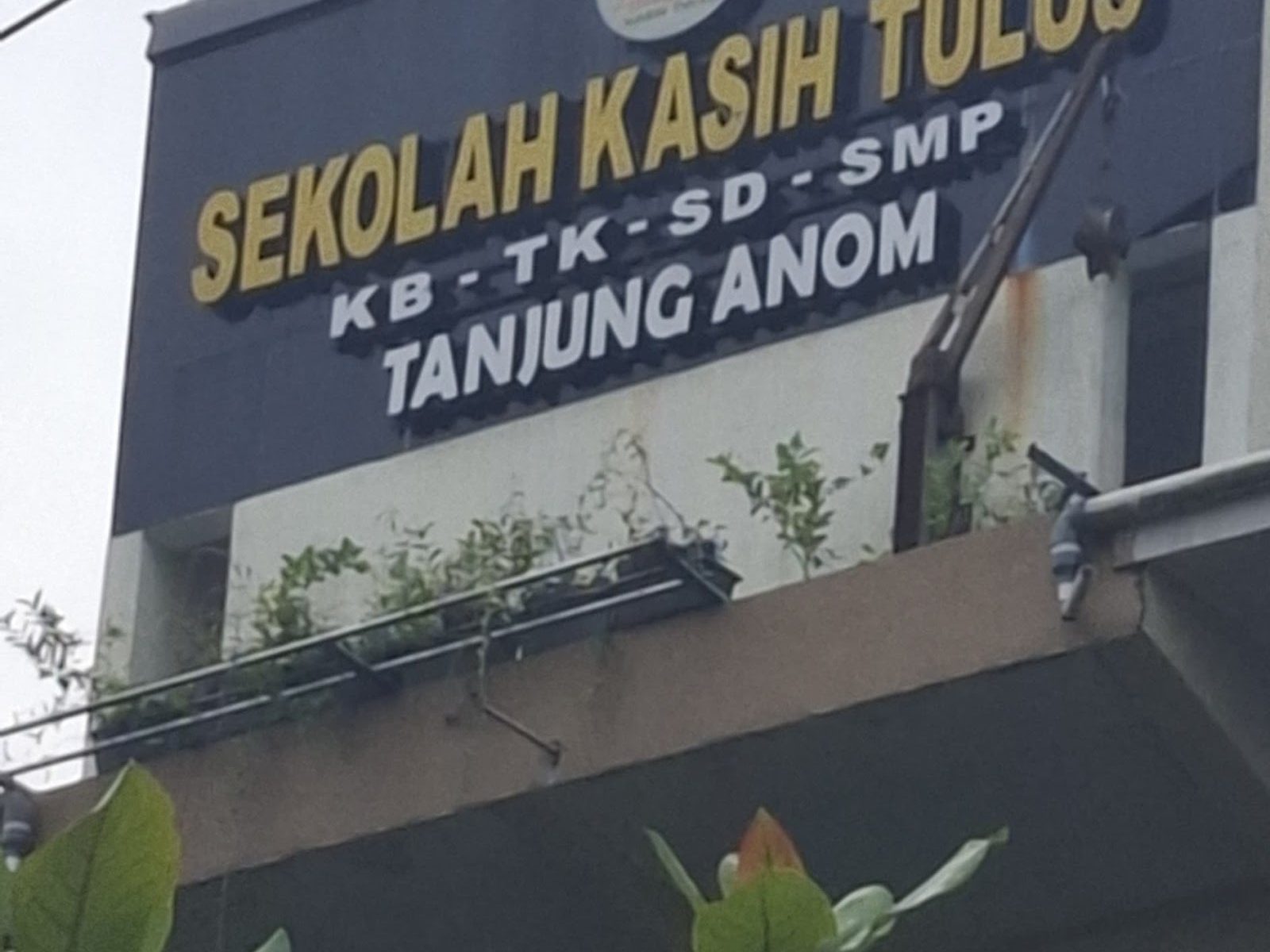
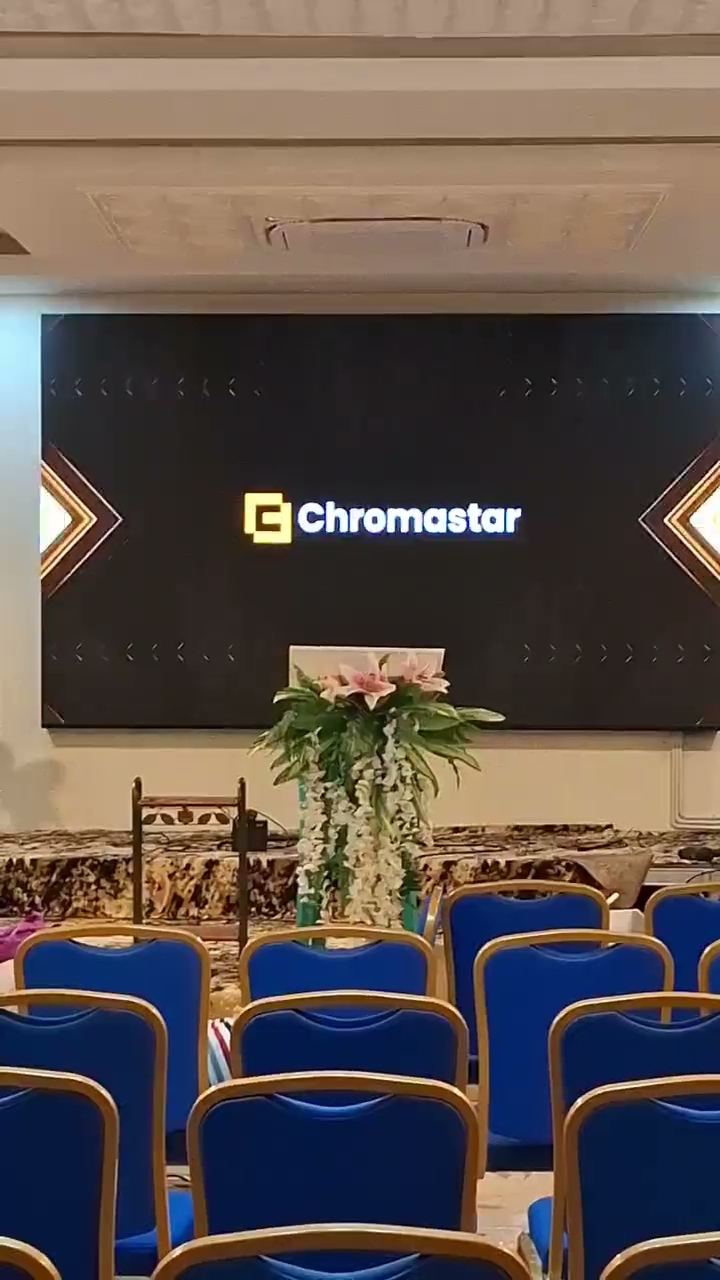
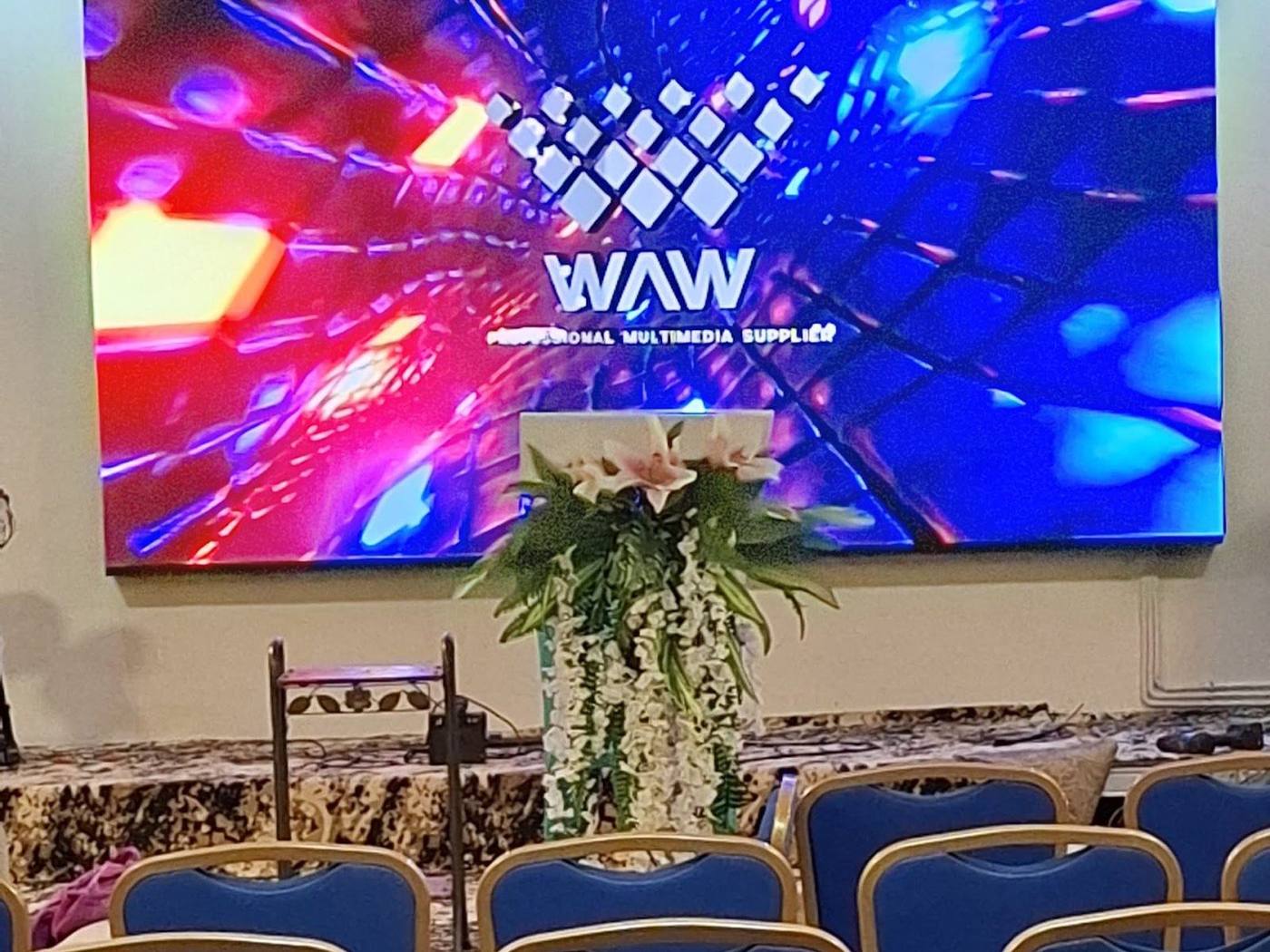
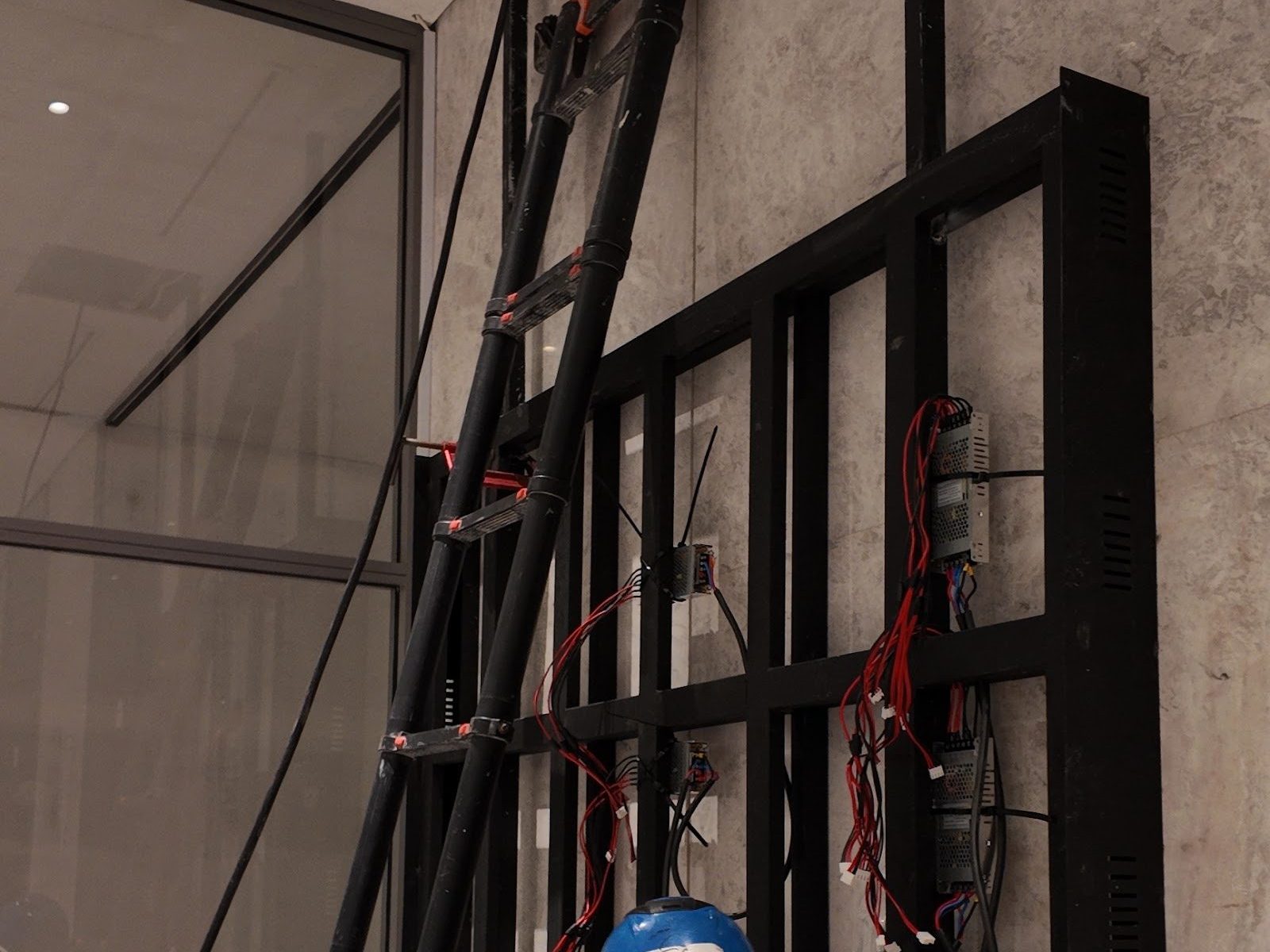
Sekolah Kasih Tulus and Biomedical Campus. Field photos you can open yourself.

Supporting resource
Want to learn to read specs before a consultation? The Smart Classroom specification guide is at Spec School.
How to read IFP, camera, and classroom audio specs so you do not get cheated on specs.
How many classrooms do you want to upgrade?
Send the layout and your needs. We study the rooms first before drawing up a system standard, then talk numbers.
Your brief is read by the founder directly. Honest recommendations, no commitment.