Solutions · CCTV & Surveillance
CCTV that does more than record.
CCTV Systems & Installation for Buildings, Offices, Factories, and Commercial Areas
Designed around the site conditions, coverage needs, recording storage, and the monitoring system required. When needed, AI cameras read what is happening: who passed, which zone is busy, which class is in session.
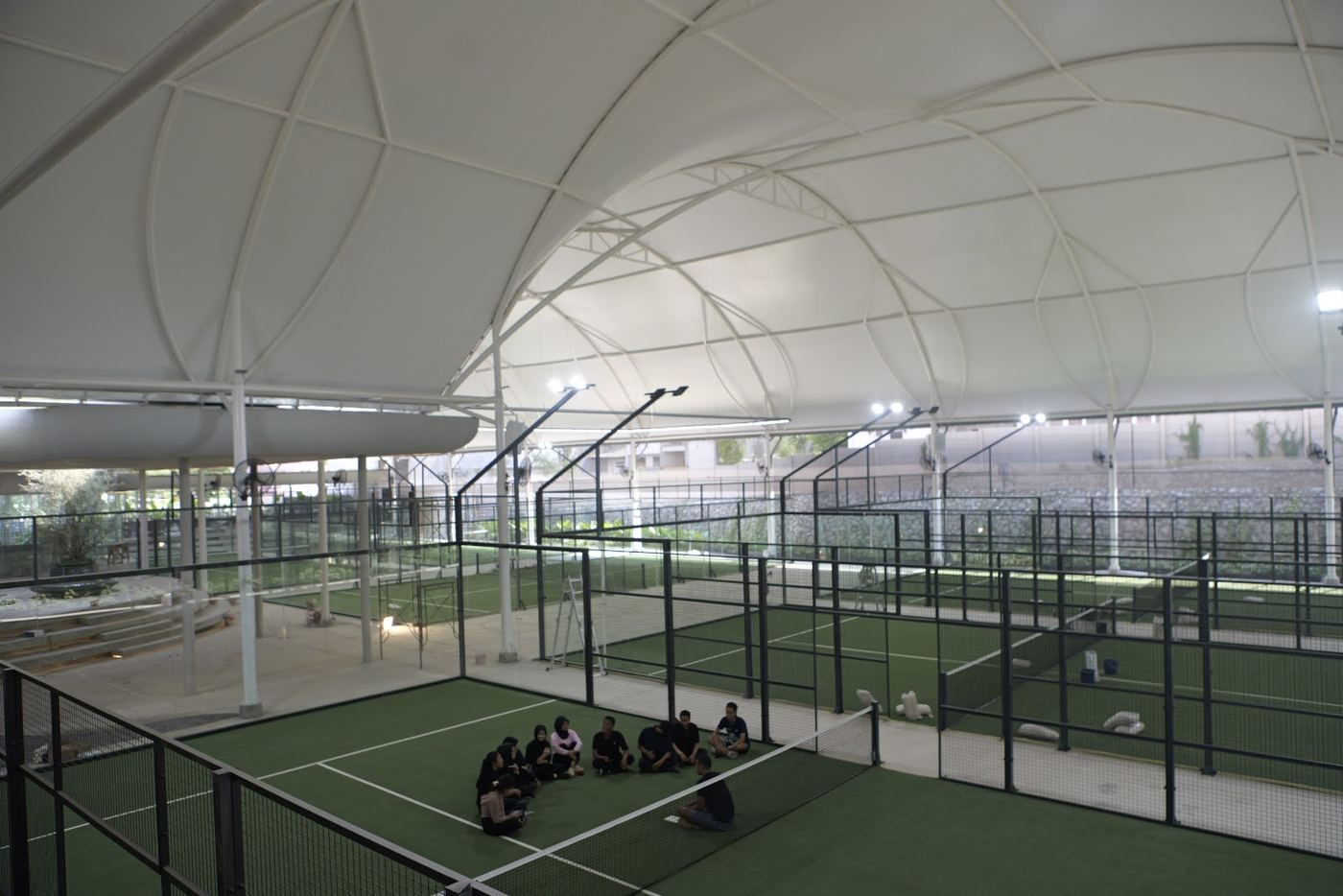
Operational benefits
The Problems We Solve
Most people search for "install CCTV". What they actually need: footage that exists when required, areas that are truly visible, and a system that stays alive after installation.
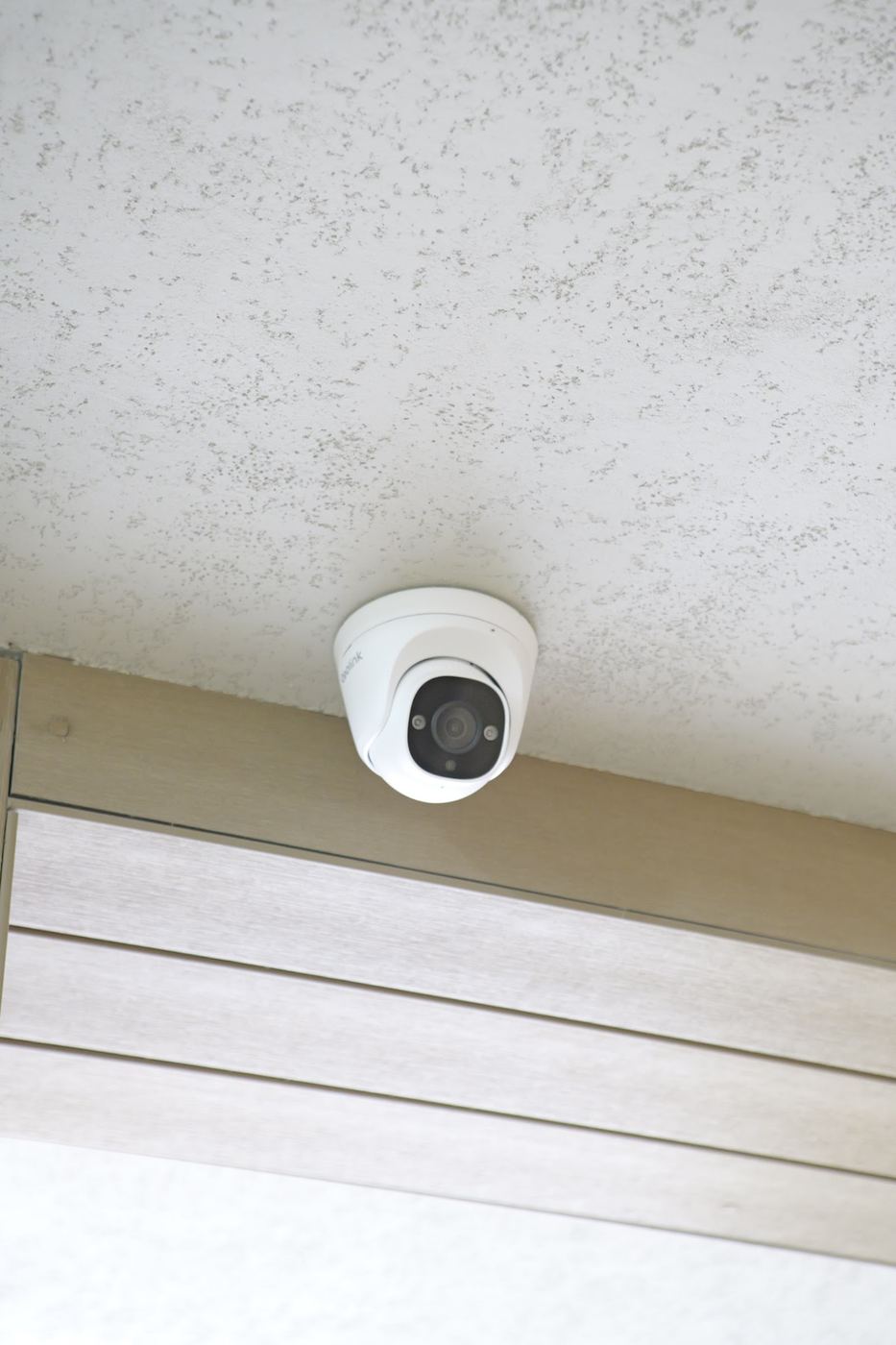
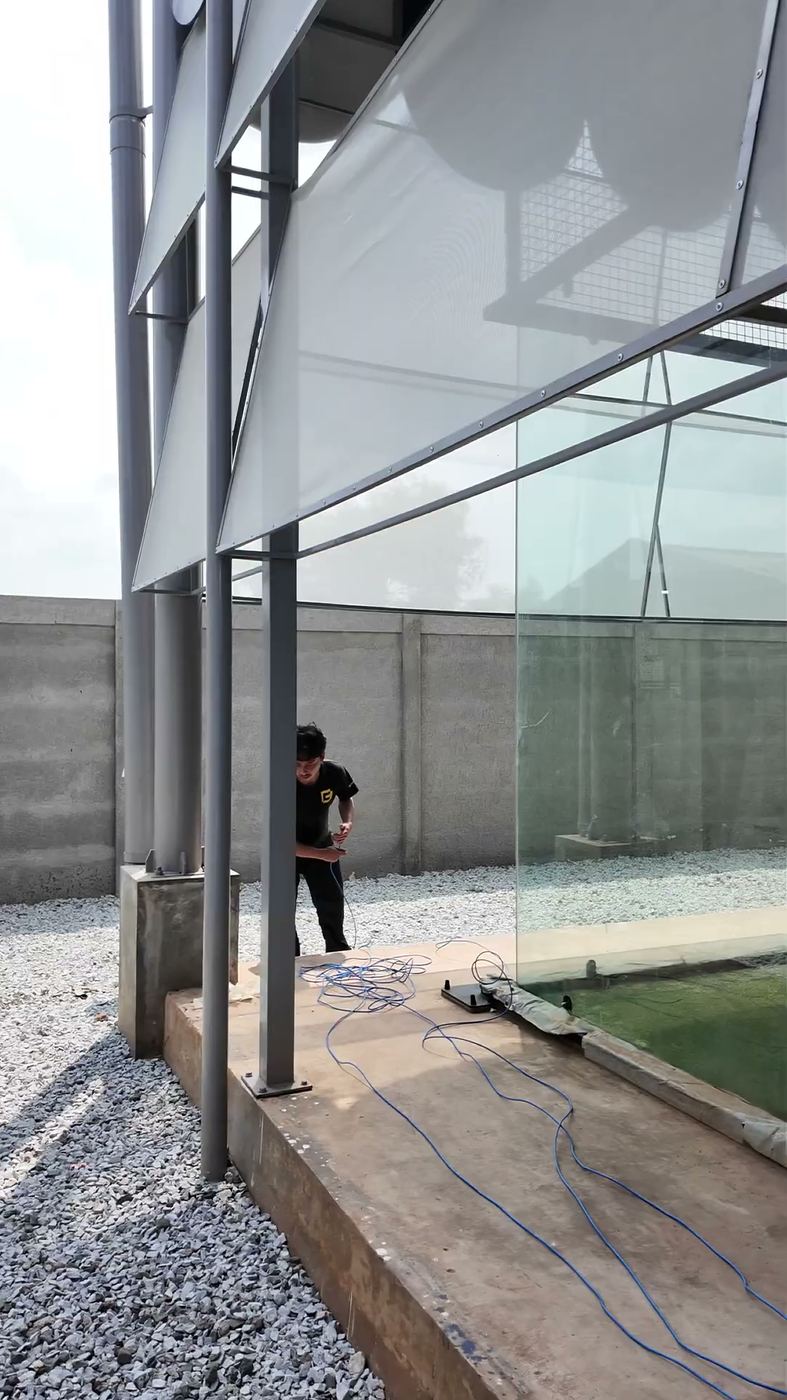
The camera is on, but not recording
Recording, storage, and connection checks are scheduled 4 times a year, instead of waiting for an incident.
Many sites, many apps
The whole area is watched from one monitoring and management system, including multiple branches.
The vendor disappears after installation
One number, response under 4 hours, 6 on-call visits per year, a log you can check.
Ground Inspection
Not Just a Camera in Every Corner
Camera placement takes the actual site conditions into account so coverage is effective and blind spots are reduced. Before setting the number of cameras, we map these six things on site.
See the 5 WFOS stagesWhat we check on site
- 1 Coverage Area: how much area each camera needs to see, and which areas may stay out of view
- 2 Viewing Angle: camera angle matched to the objects and activity to monitor, faces, license plates, or movement
- 3 Obstruction: walls, columns, shelving, structures, or other objects that could block the view
- 4 Lighting Condition: bright, dark, backlit, or lighting that changes through the day
- 5 Entrance & Exit: entry and exit areas get enough coverage for identification and monitoring
- 6 Critical Zone: cashier, warehouse, server, parking, or higher-risk areas get more detailed coverage
The goal is effective coverage, not more cameras. The survey results become the basis for the number and type of cameras, which you can audit before signing.
One system
Complete Surveillance System
CCTV is not just cameras. WAW designs the whole surveillance infrastructure so cameras, network, storage, and monitoring work as one system.
System illustration: one control panel, every component connected
-
01
Camera
Captures the area based on coverage needs and the critical points of the site.
Dome Bullet PTZ IP camera -
02
Network
Connects every camera through stable infrastructure separated from the office internet.
PoE switch Cabling Closed network -
03
NVR / Server
Processes and manages recordings from every camera, including AI features when used.
NVR Recording server AI processor -
04
Storage
Capacity calculated from the number of cameras, video quality, and required retention period.
Surveillance HDD 30/60/90-day retention -
05
Monitoring
Every monitored area shows on a monitor or in the control room, one screen for every site.
Monitoring display Video wall Mobile -
06
Management
Access, playback, footage search, user permissions, and AI features when used.
VMS User roles Audit log
Once the basic system is right
AI cameras: one camera, three ways to use it.
Ordinary CCTV stores footage to watch later. AI cameras count and notify you as things happen. The same camera can succeed or be wasted, depending on the system behind it.
- Footage is reviewed after the incident, if it still exists
- People in restricted areas are only noticed during a manual check
- Visitor counts and busy zones are never measured
- Finding footage means scrolling for hours
- Notifications as it happens: people, vehicles, restricted areas
- Count people passing, people entering, and the busiest zones
- Search footage by object and time, not by scrolling
- AI features actually work because the processing hardware is written in the spec
Security that detects
Detects people in restricted areas, vehicles, and unusual events. Notifications arrive as it happens, not afterwards.
Buildings · Factories · Warehouses · Venues
Visitor analytics
Count people passing, people entering, and busy zones. Layout, staffing, and promo decisions start from numbers, not gut feeling.
Retail · Malls · Offices
Smart classroom
AI cameras follow the moving teacher, the class is recorded and can stream with one button. Details on the Smart Classroom page.
Schools · Campuses · Training
Honest specs
An AI camera with non-AI processing: the AI features are dead.
This is the most common way specs are cheated in the surveillance category. The camera is AI, but the processing hardware is not. In the brochure they look the same. On site, the features you paid for never run.
That is why every WAW CCTV system is written per item: cameras, processing hardware, storage, down to the network. You can check each one before and after installation.
Learn to read specs at Spec SchoolWhat we write in the contract
-
Camera type and its AI capability, per mounting point
-
The processing hardware (NVR / server) that actually runs the AI features
-
Storage capacity and recording retention period
-
Closed network: CCTV separated from the office internet
-
WAW Care maintenance schedule with a log you can open
WAW Care
CCTV that Stays Monitored After Installation
A CCTV system that looks normal may no longer be recording, storing data correctly, or producing image quality good enough when footage is really needed. That is why it is checked on schedule.
2 yrs
System warranty
4x
Scheduled preventive visits per year
6x
Corrective on-call per year
<4 hrs
WhatsApp response, Greater Jakarta
What we check on every visit
- Check the physical condition and position of each camera
- Check network connections and PoE switches
- Check recording and storage capacity
- Check image quality and coverage, day and night
- Check AI features and notifications when used
- On-call support 6 times a year when an issue is found
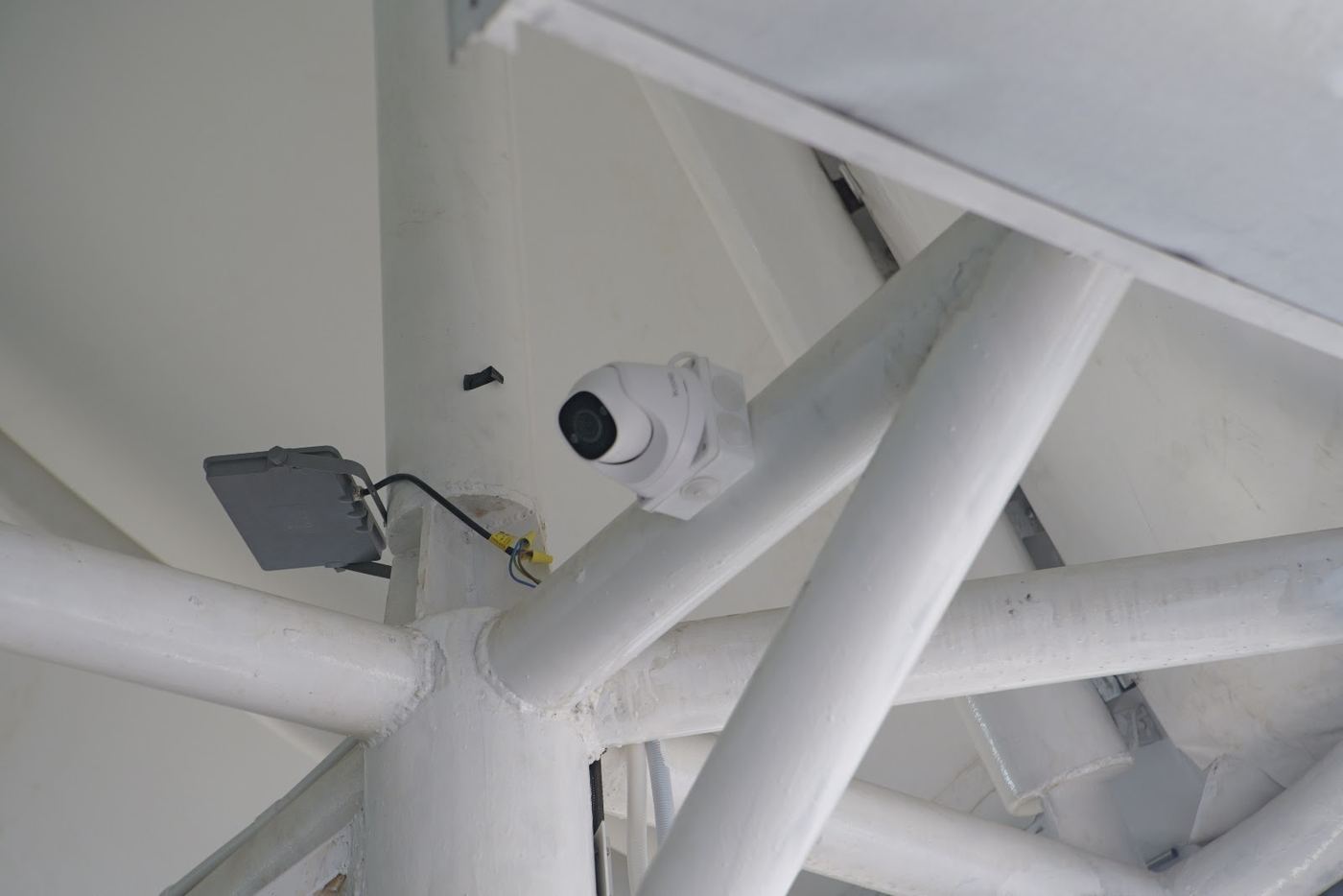
Every visit is recorded in a log you can open at any time. Not the longest warranty, but a warranty that shows up on schedule.
Project proof
CCTV Projects
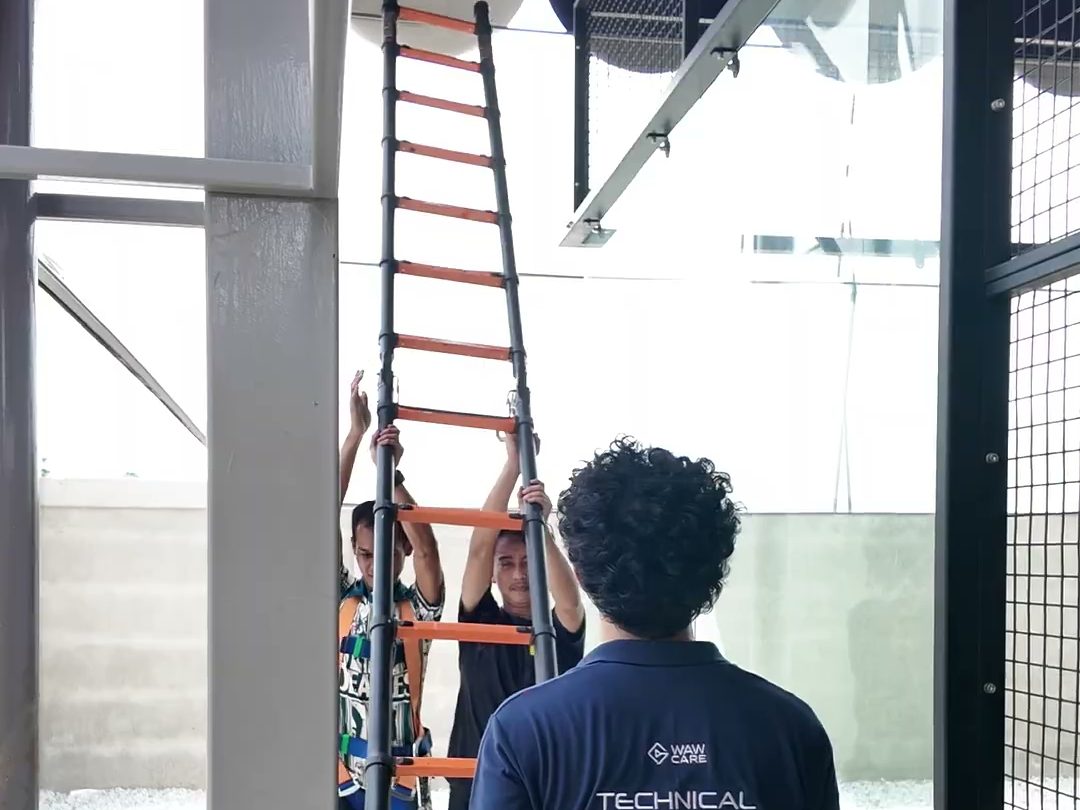
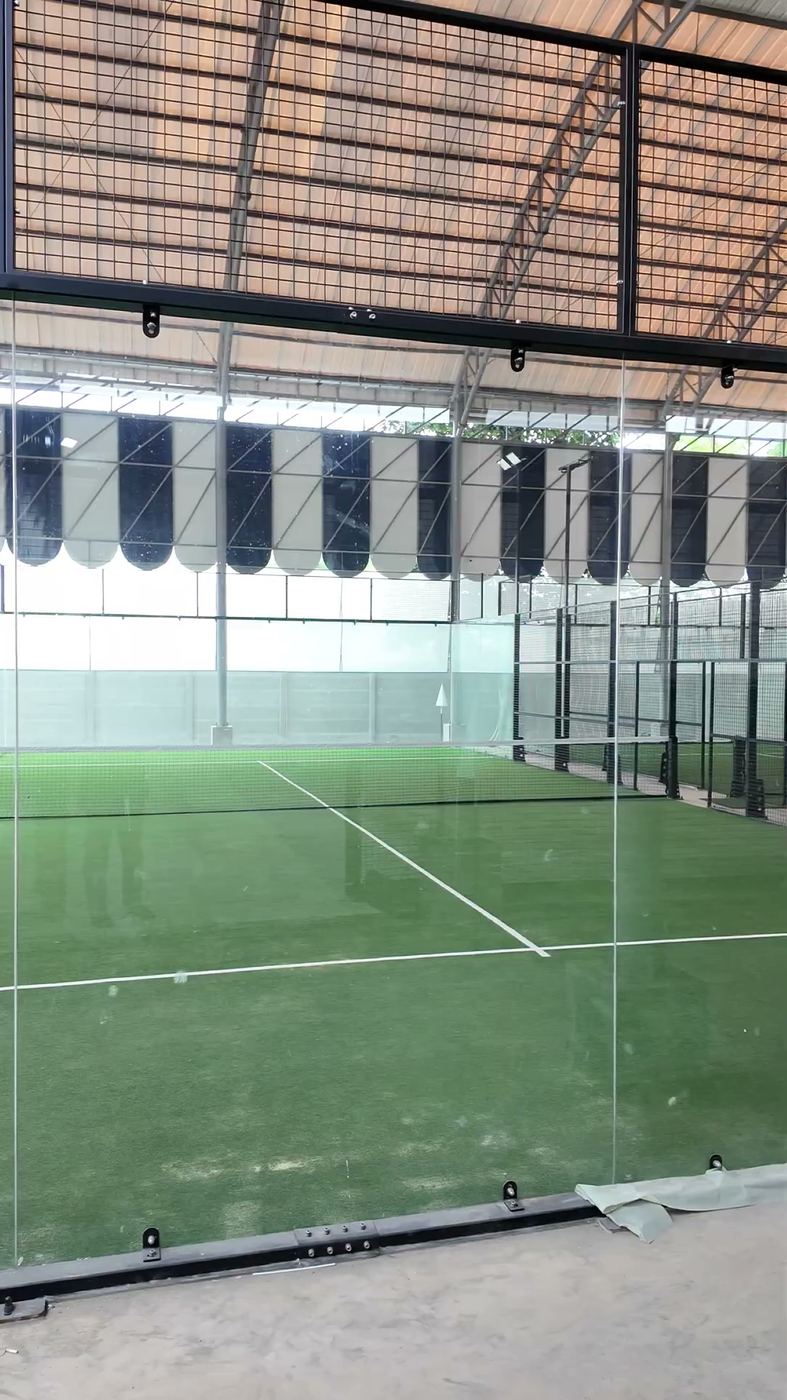
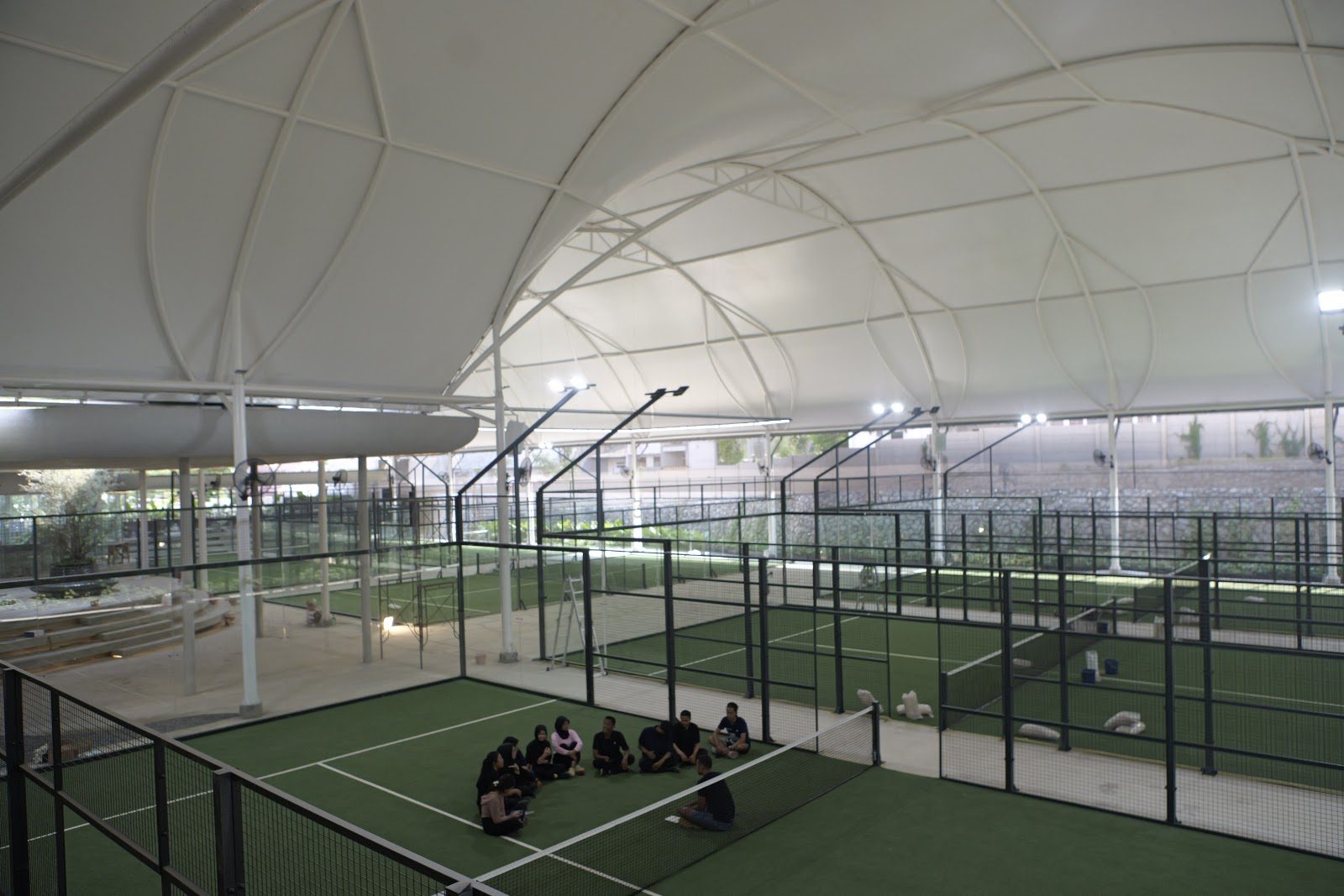
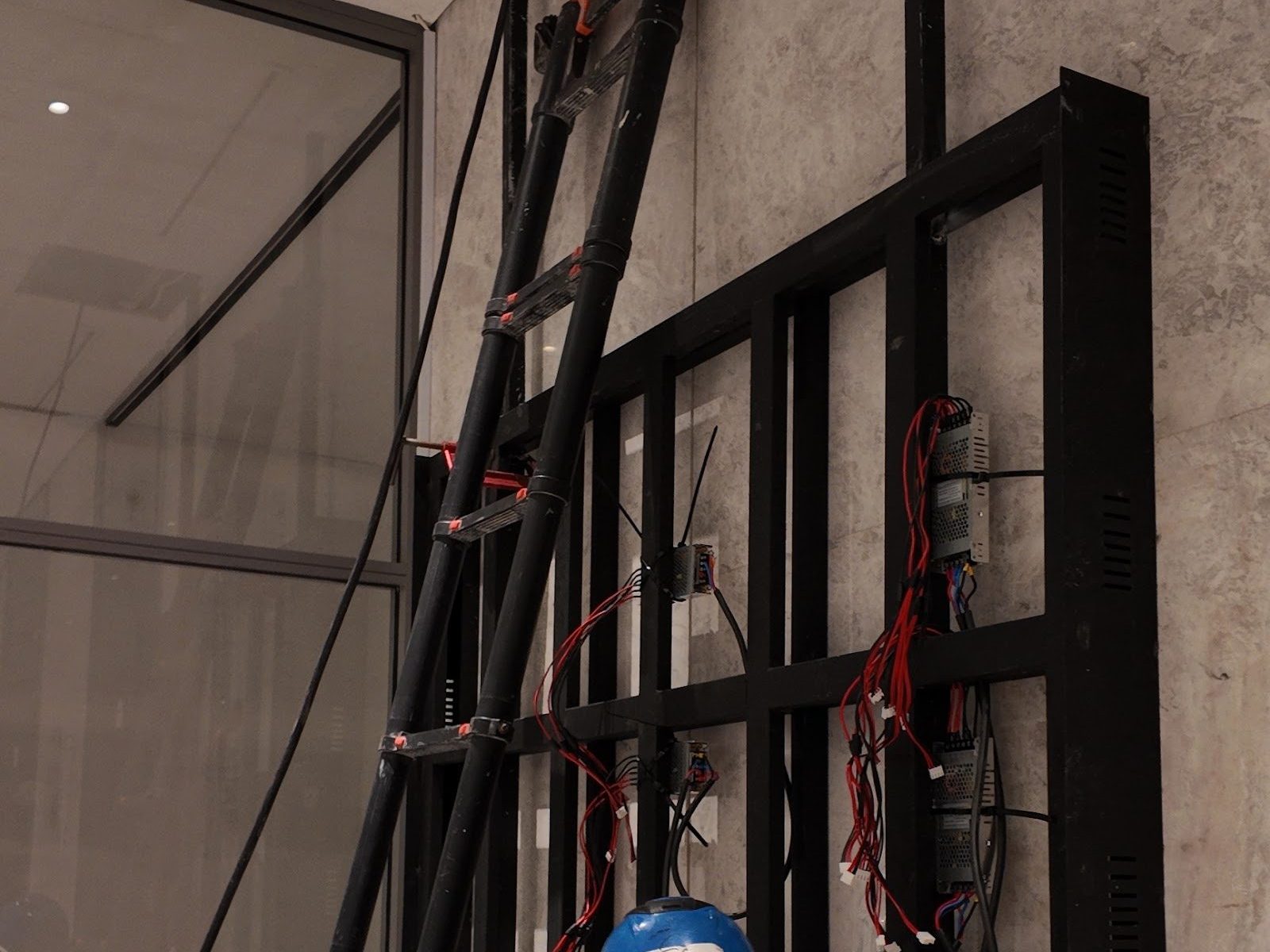
CCTV installations we have completed, with field photos you can open.
Send us your floor plan.
We survey the camera points first, then talk numbers. Tell us the areas you want to monitor and we check the coverage and camera points first.
Your brief is read by the founder directly. Honest recommendations, no commitment.